This site provides basic knowledge of PA (public address) system building.
Recording studios, concert PA (SR) systems, and television and radio broadcast systems are not covered.
Recording studios, concert PA (SR) systems, and television and radio broadcast systems are not covered.
Product Basics
There are contents about individual devices and basic combinations.
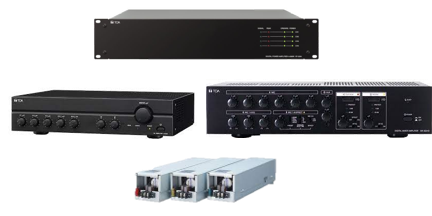
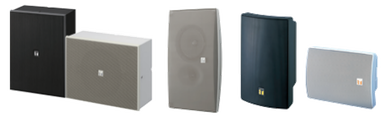
On the left there are articles about input devices such as microphones, and on the right there are articles about output devices such as amplifiers and speakers.
On the left there are articles about input devices such as microphones, and on the right there are articles about output devices such as amplifiers and speakers.
Microphone
Wireless
|
Mixer/Matrix
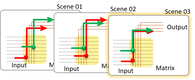
What's Mixer and Matrix ?

Specific examples

DSP
|
Output Structure
HiZ & LoZ; number of SP & AMP
AMP & SP unit configration
|








Audio Signal
|
Control
Control
|
Power |


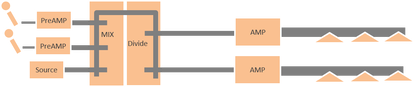
Basic PA system - summary -
|
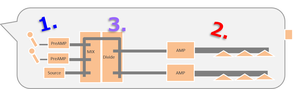
Design Procedure
|
Field & Hearing
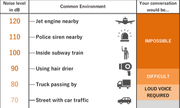
Ambient Noise
|

STI
|

Sound attenuation by distance
|

Problem of sound
|
System Design
There are contents related to system design.
This section explains how to design a system using the basic knowledge of the products described above.
"PA system" mainly covers broadcasting equipment for the entire building, and "Sound System" covers local systems for speech.
This section explains how to design a system using the basic knowledge of the products described above.
"PA system" mainly covers broadcasting equipment for the entire building, and "Sound System" covers local systems for speech.
PA system for Building Broadcasting
This section contains knowledge about system design for voice evacuation, commercial announcement broadcasting, background music, etc.
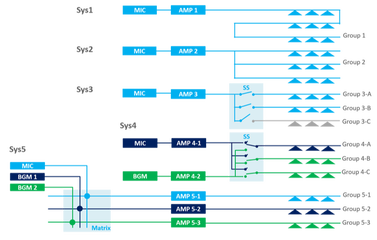
Audio Route Structure
|
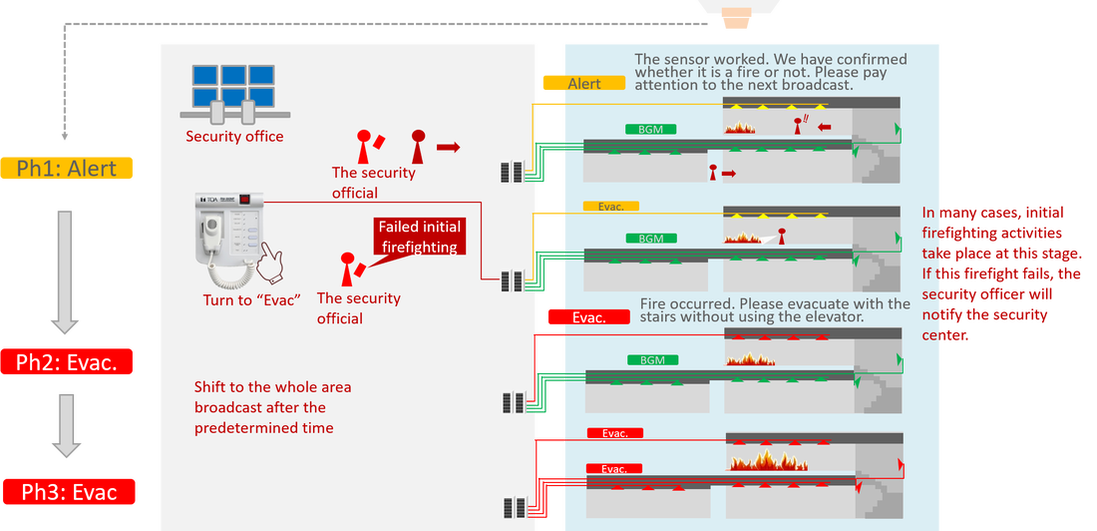
Emergency Broadcast Orverview
|
Input
|
Output Structure
Type of SP line and Attnuator
SP and location
|


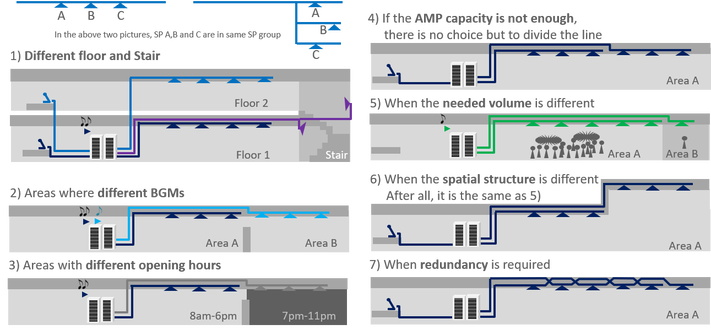


Sound System
This section introduces the design of local sound systems, such as auditoriums, where microphones and speakers are co-located.
Input and Mix
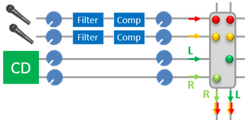
Mono & Stereo MIX
|
Output Structure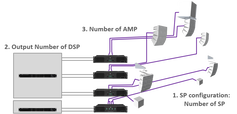
How to Design Output
SP and Location
|

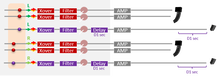

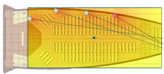
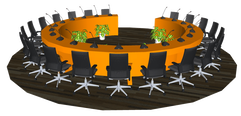
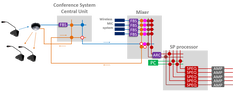
Conference System
|
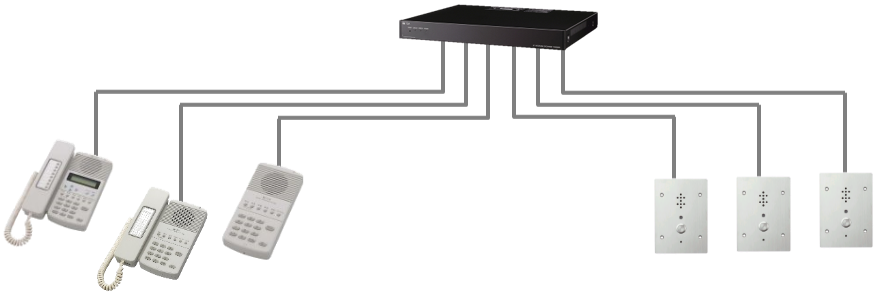
Intercom System
|

Problems


|
We provide Revit family data for BIM.
Please feel free to use it for your project design or architectural education. |

|
Product brochures and instruction manuals are available here. |

|
Please contact the TOA responsible for your region. |
